Add email inbox
Please, navigate to the ‘Chat’ icon on the left menu bar. Once the page is loaded, click on the e ’Inbox’ menu on the top menu bar.

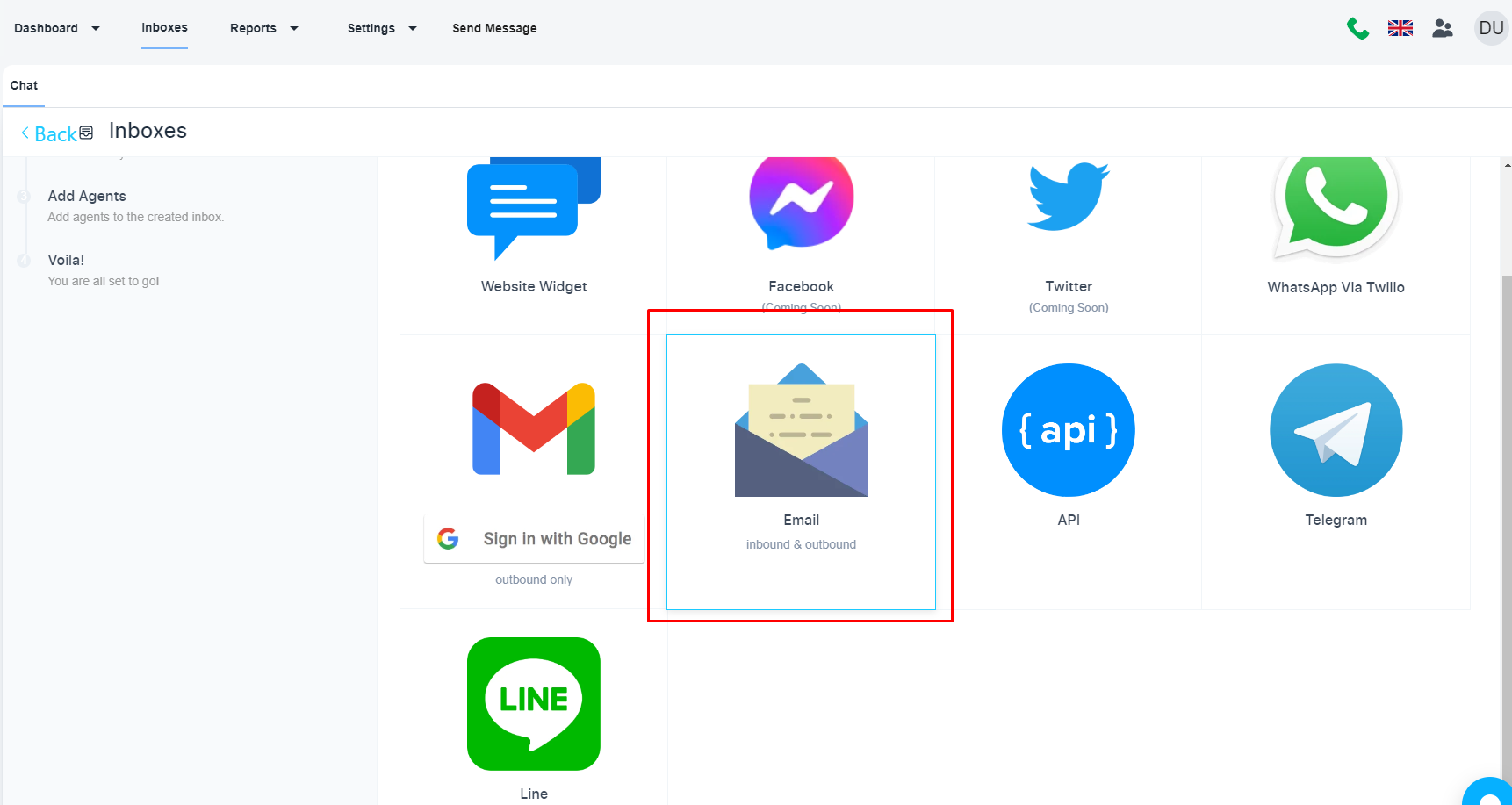
Now, click on the ‘Add Inbox’. Choose the ‘Email’ option to add an email associated with your domain.
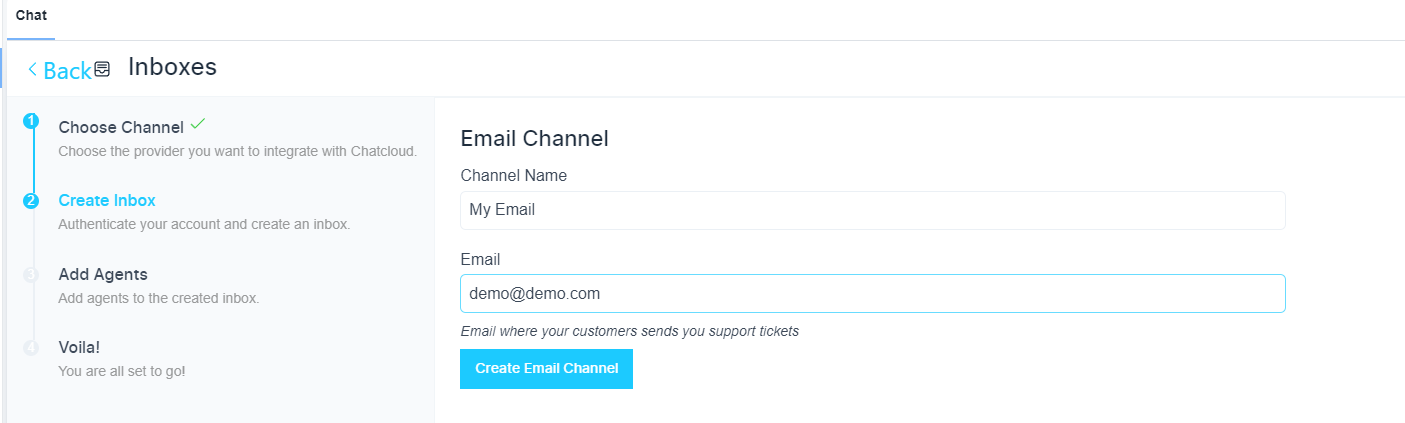
Configure email inbox
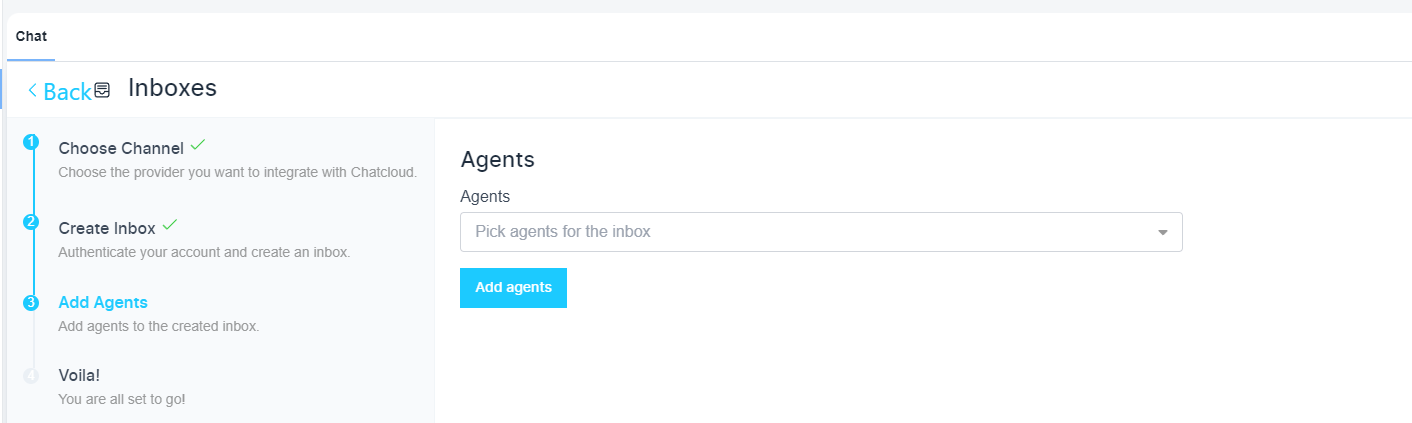
Add an agent for your inbox (Optional)
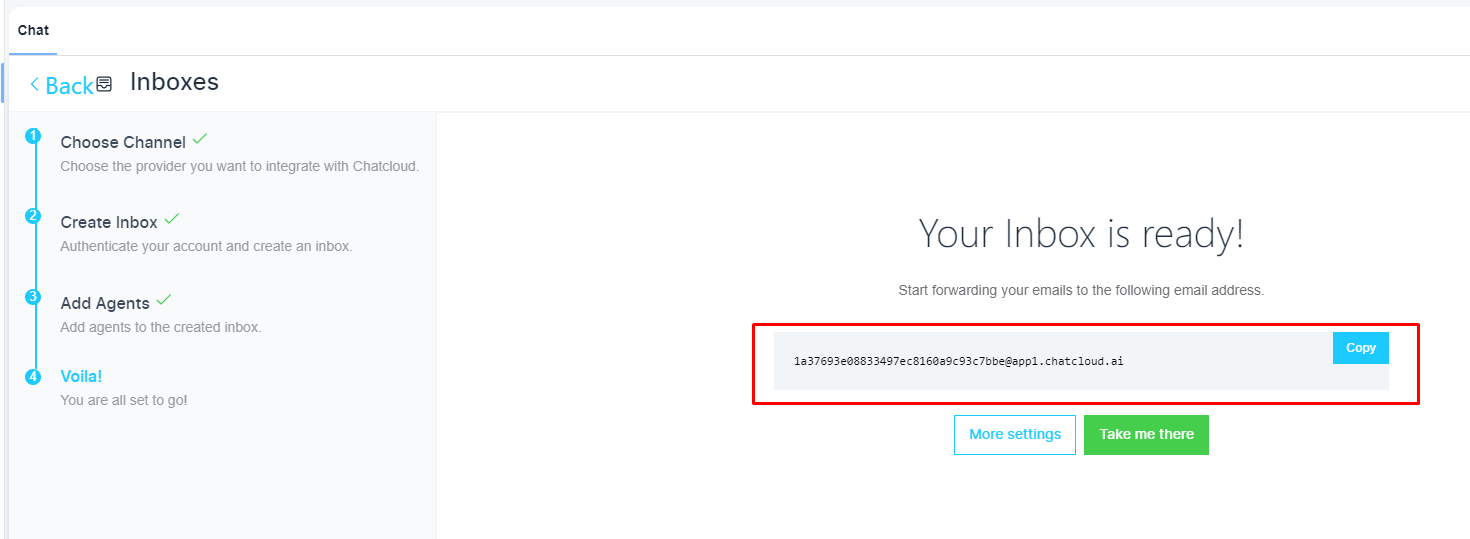
Inbox is ready now
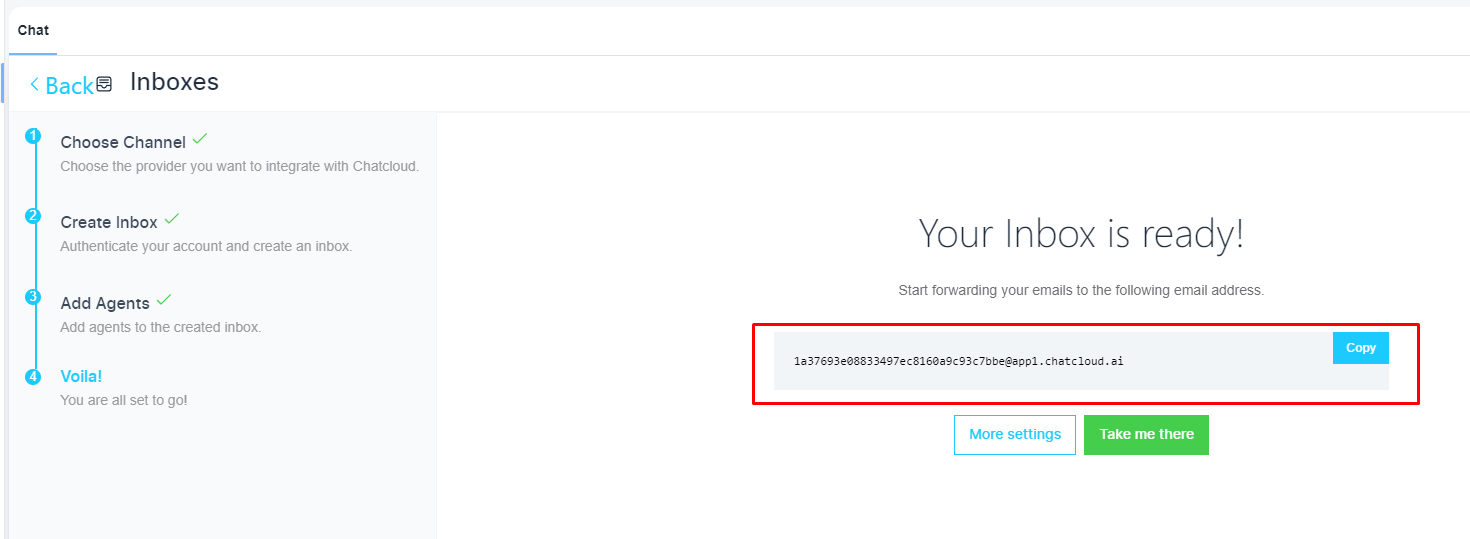
Collect email forwarding address
Here is the email forwarding address to your connected email inbox
You need to configure email forwarding to receive inbound emails. But the above steps are enough to send emails using the system.