Steps to export leads
Open contacts
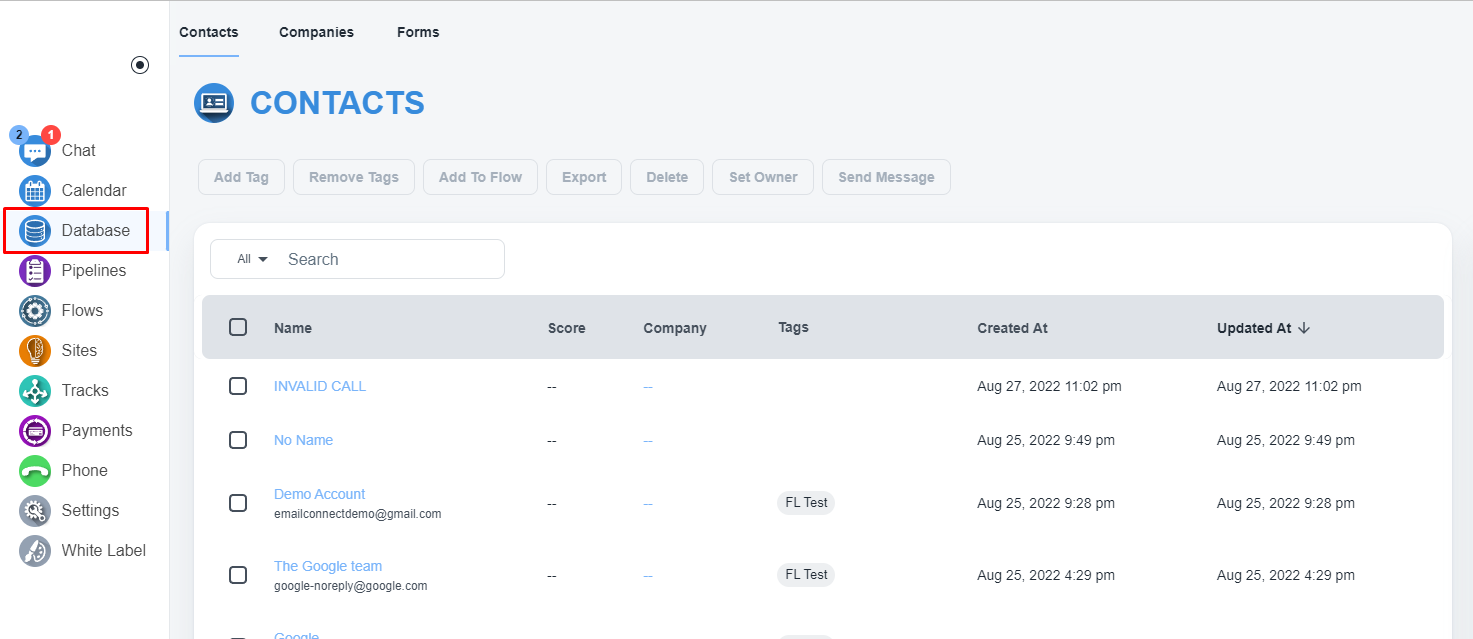
Please, navigate to the ‘Database’ on the left menu bar.
Select all contacts
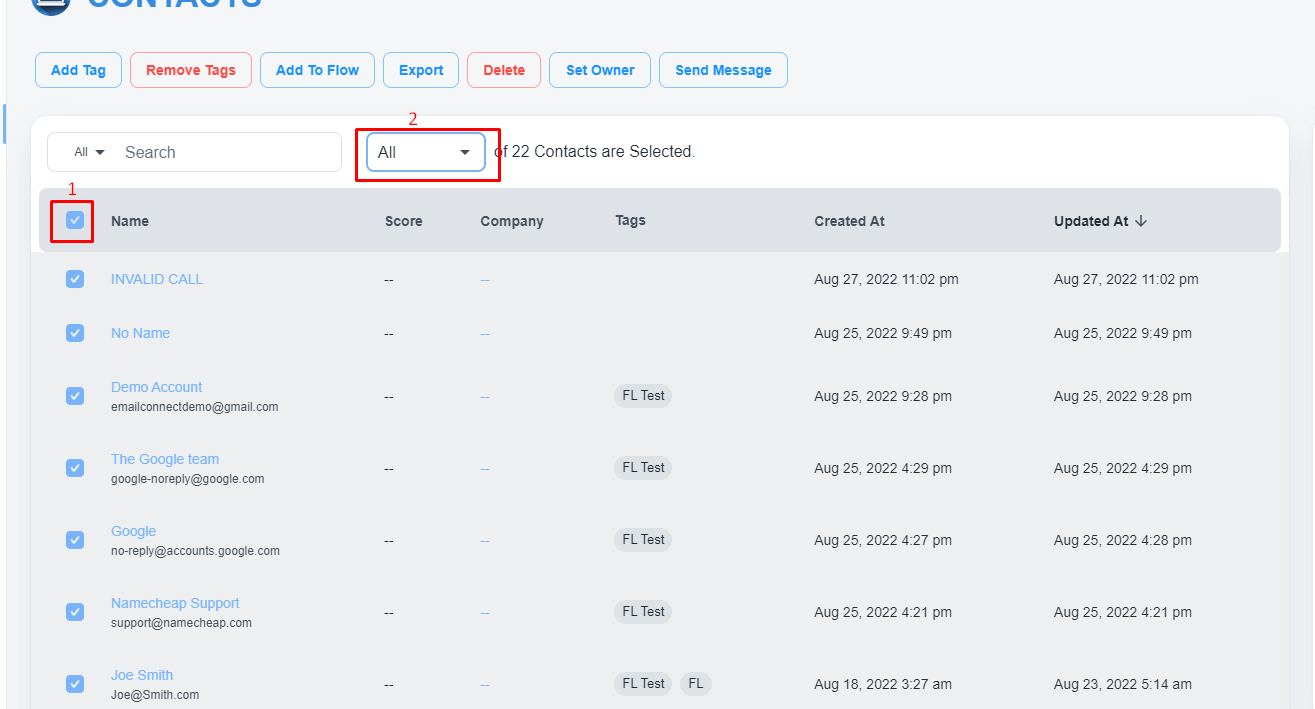
Please, select the first checkbox and select the ‘ALL’ option on the second dropdown.
Export Contacts
After selecting all contacts, click on the top ‘Export’ button to export all contacts