Steps to apply conditional display on Forms
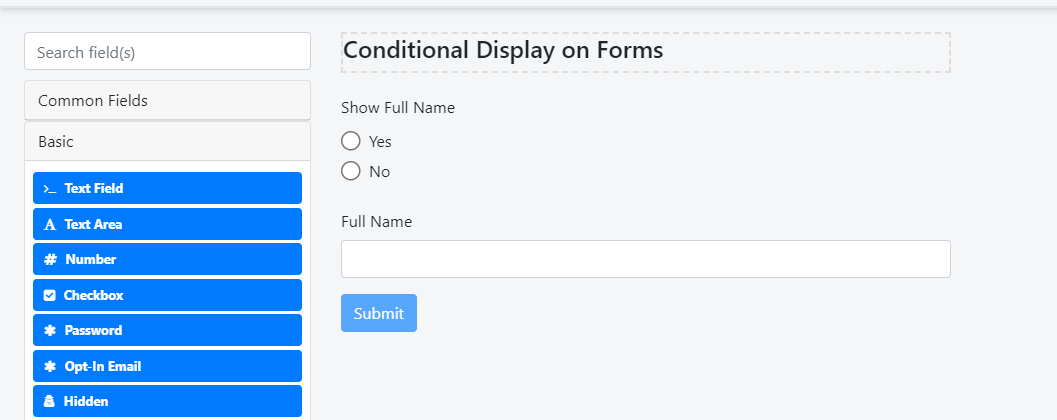
For example, we have a form. Here we want to display the ‘Full Name’ filed based on the value of previous radio field ‘Show Full Name’
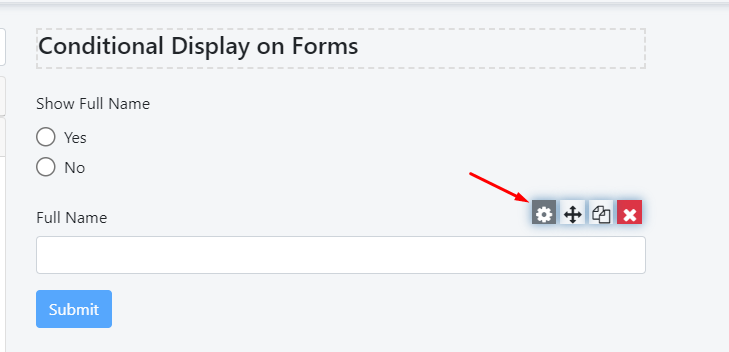
Please, navigate to the settings of the ‘Full Name’ field
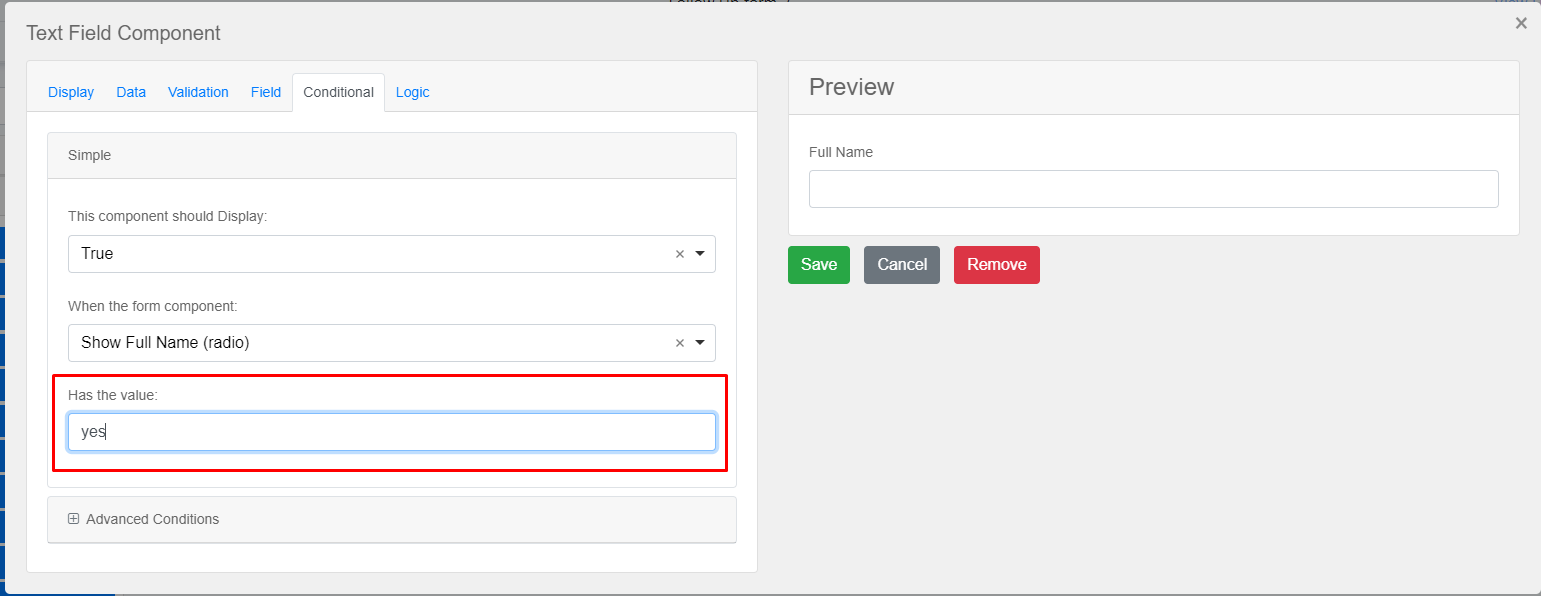
Under the conditional tab, we can set the condition for it
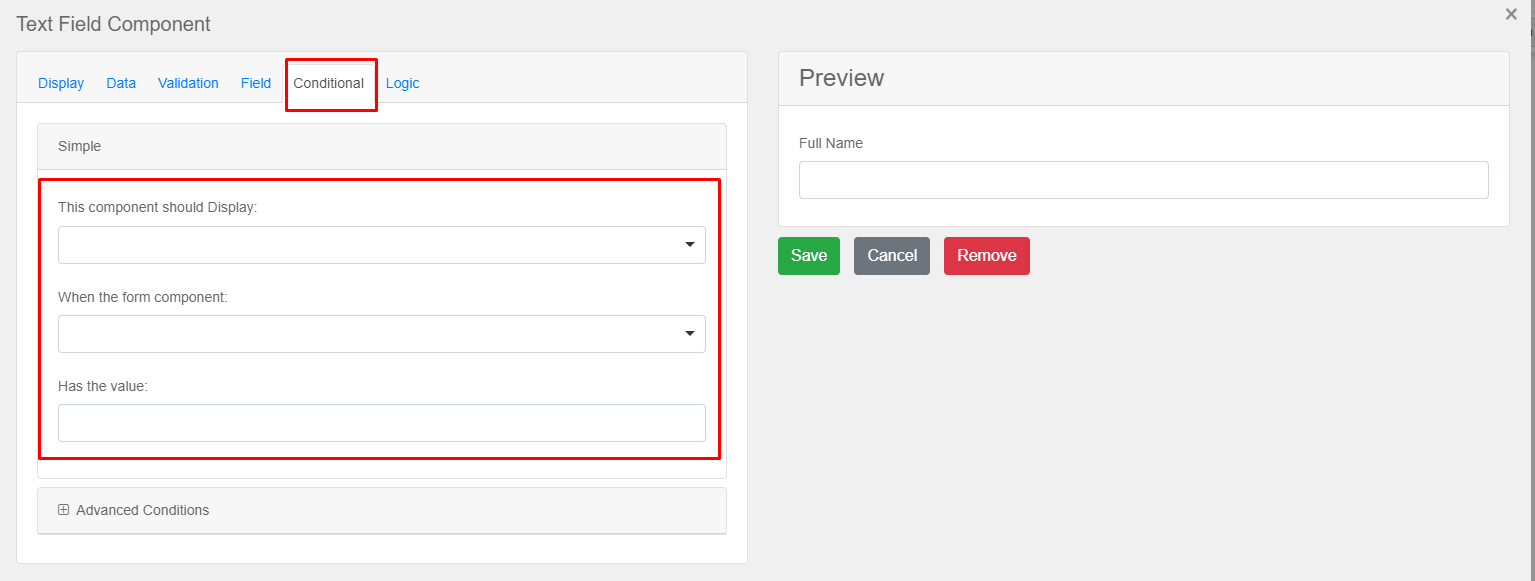
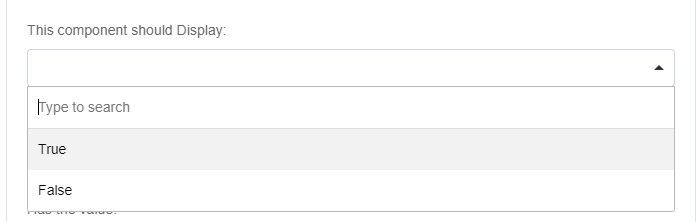
The component should display - It is the basic option like True/False. I you select true, then that field will display when the condition is true
When the Form Component - Here, you can select the existing fields on the form on which you want to set the condition
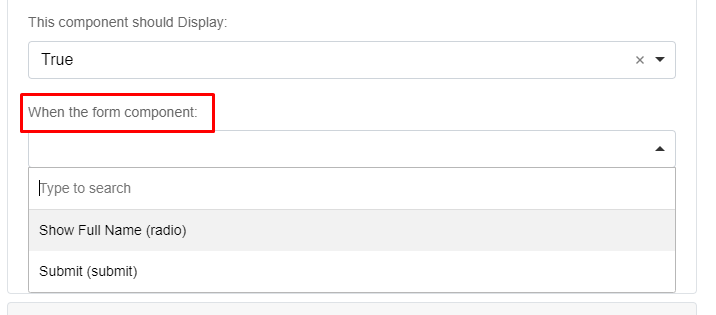
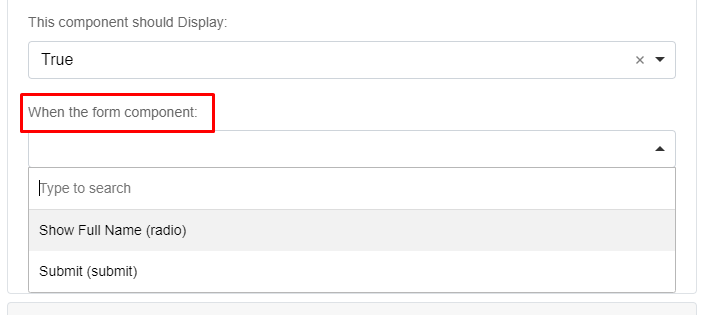
Here, we will select the ‘Show Full Name (radio)’ field
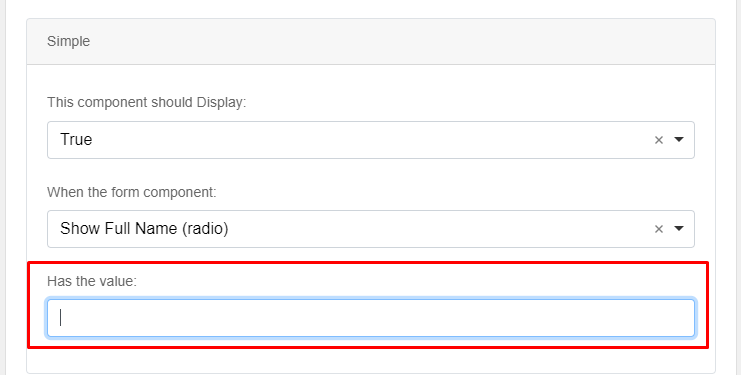
Has the Value - Here, we need to set the value of the radio field