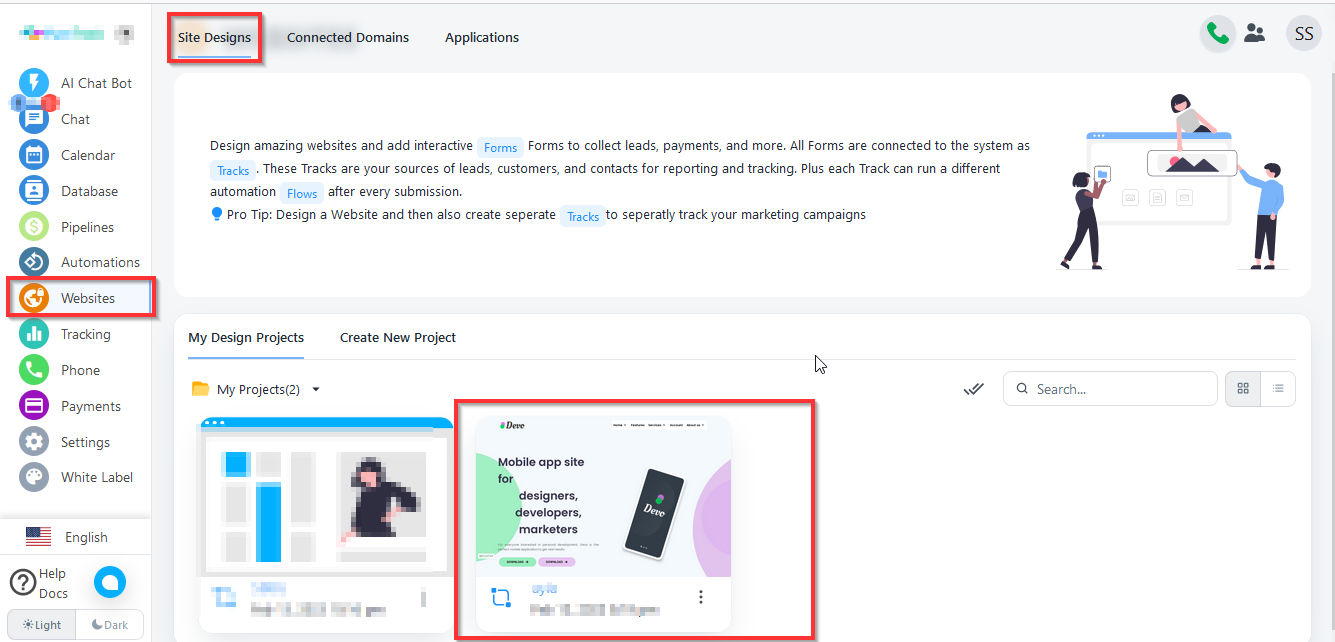
- First, you need to click on Website from the left bar menu then click on Website. Now select website in which you want to add link.
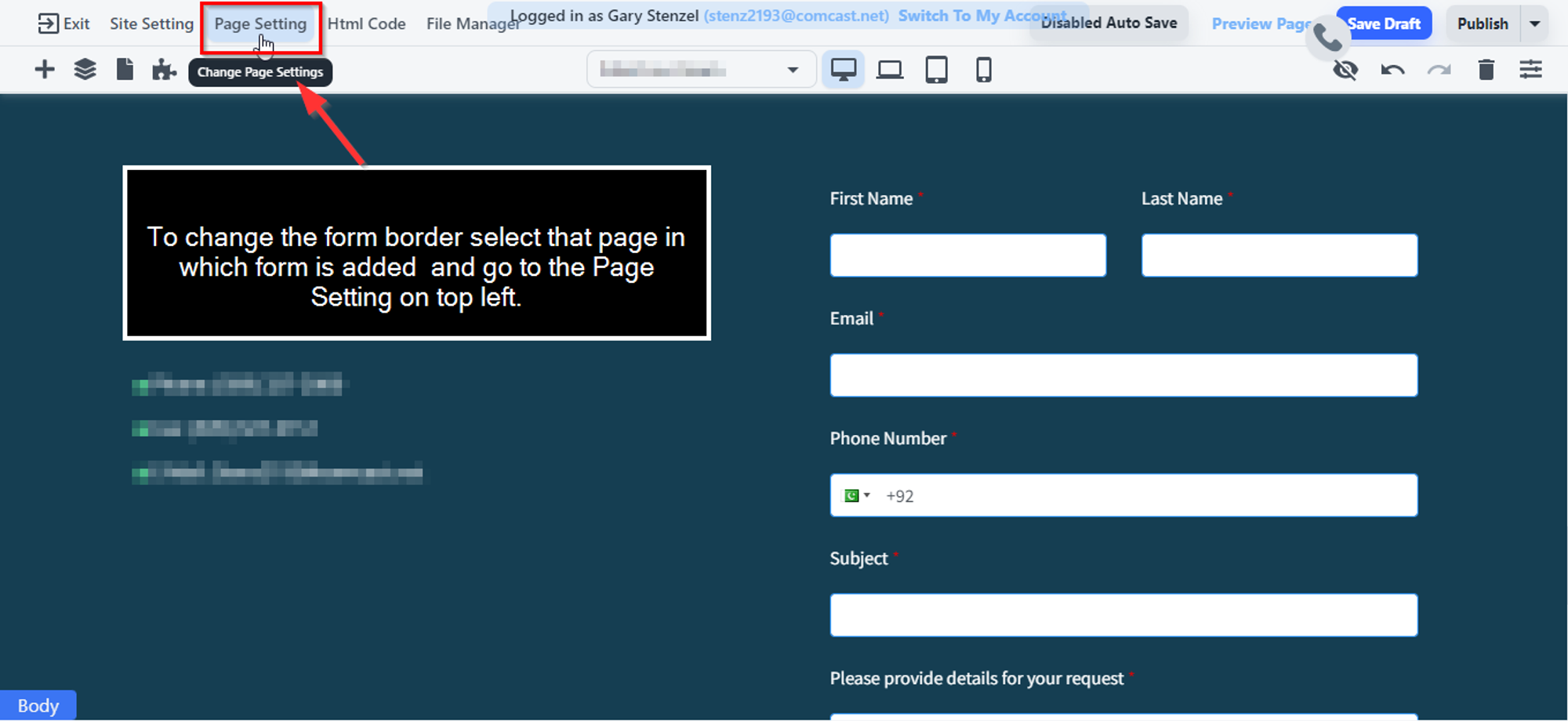
2. To change the form border select that page in which form is added and go to the Page Setting on top left.
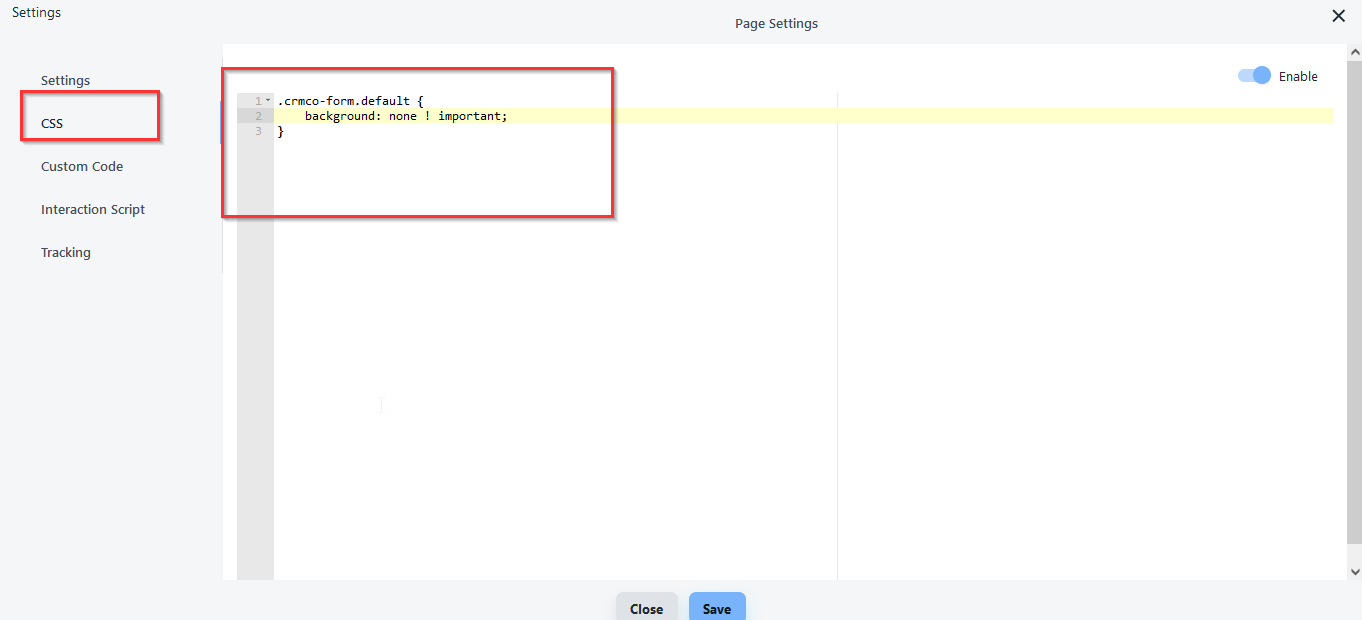
3. Paste code here you can also change the color.
Here is the code:
.crmco-form.default { background: none !important; }