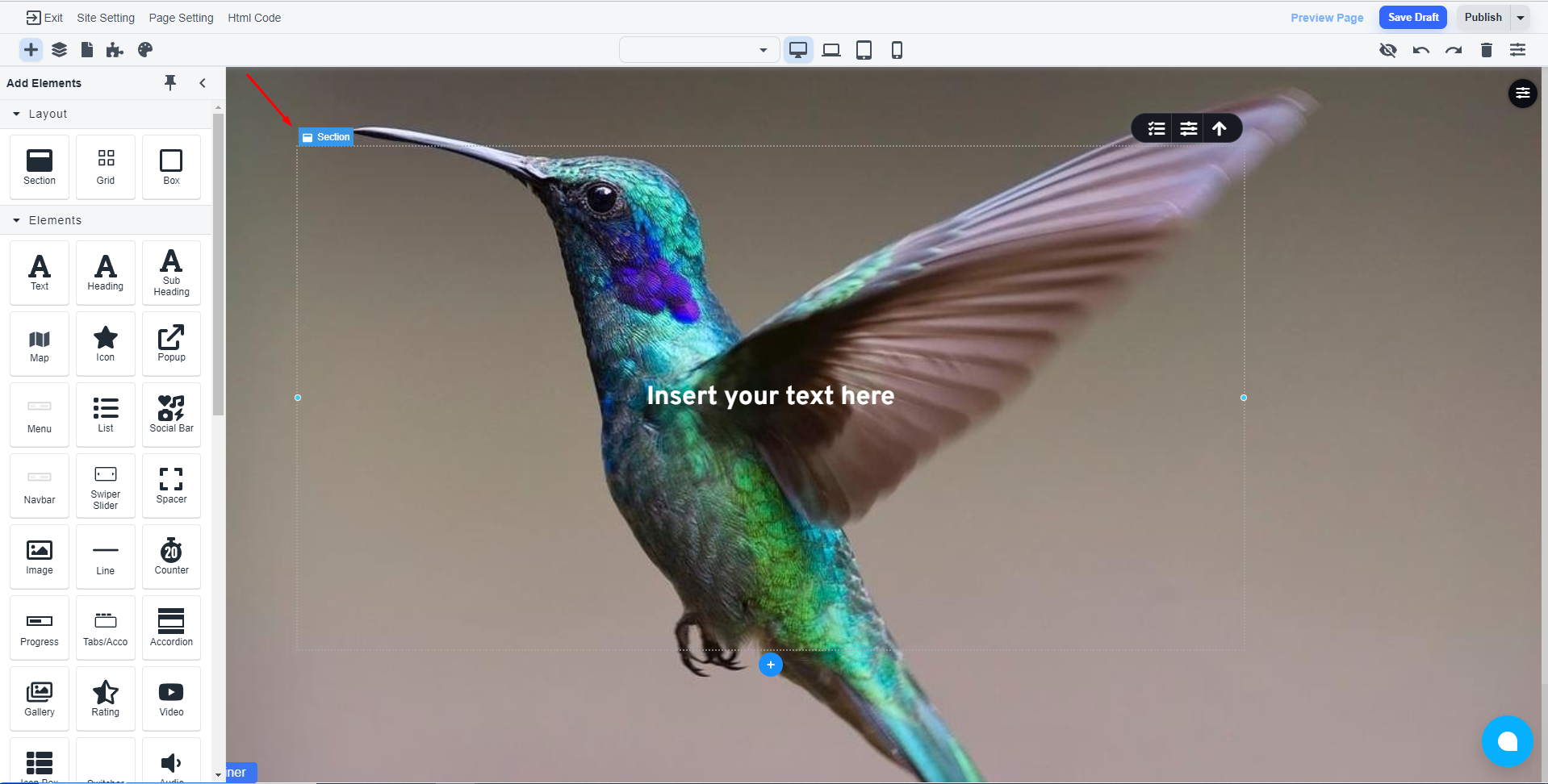
Steps to create a full-screen background website
Add a new section
Remove all the existing elements if you are starting a new page. Then add a new section.

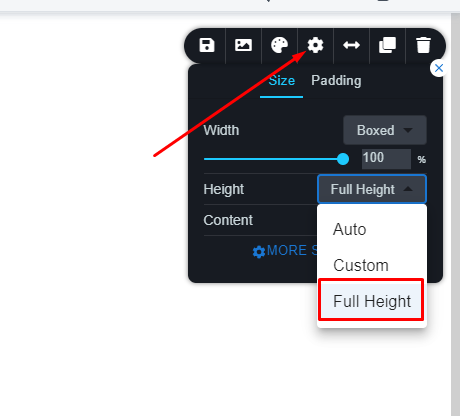
Select the section and open the section tooltip

Under settings, select the ‘Full Height’
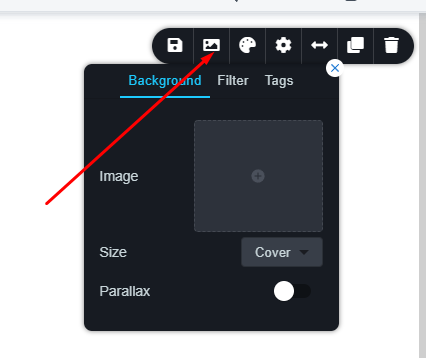
Set the background for that section
Click on the ‘Background’ icon to select a background image for that section.
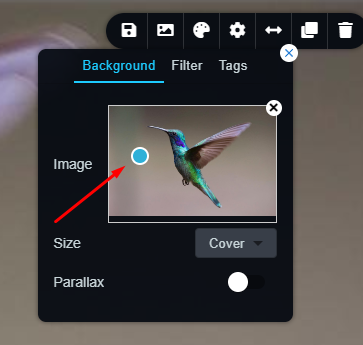
You can change the focal point of that image by using this icon
Add other elements
Now, inside the main section, you can add other elements.