Steps to linking a form as a popup
Open your project
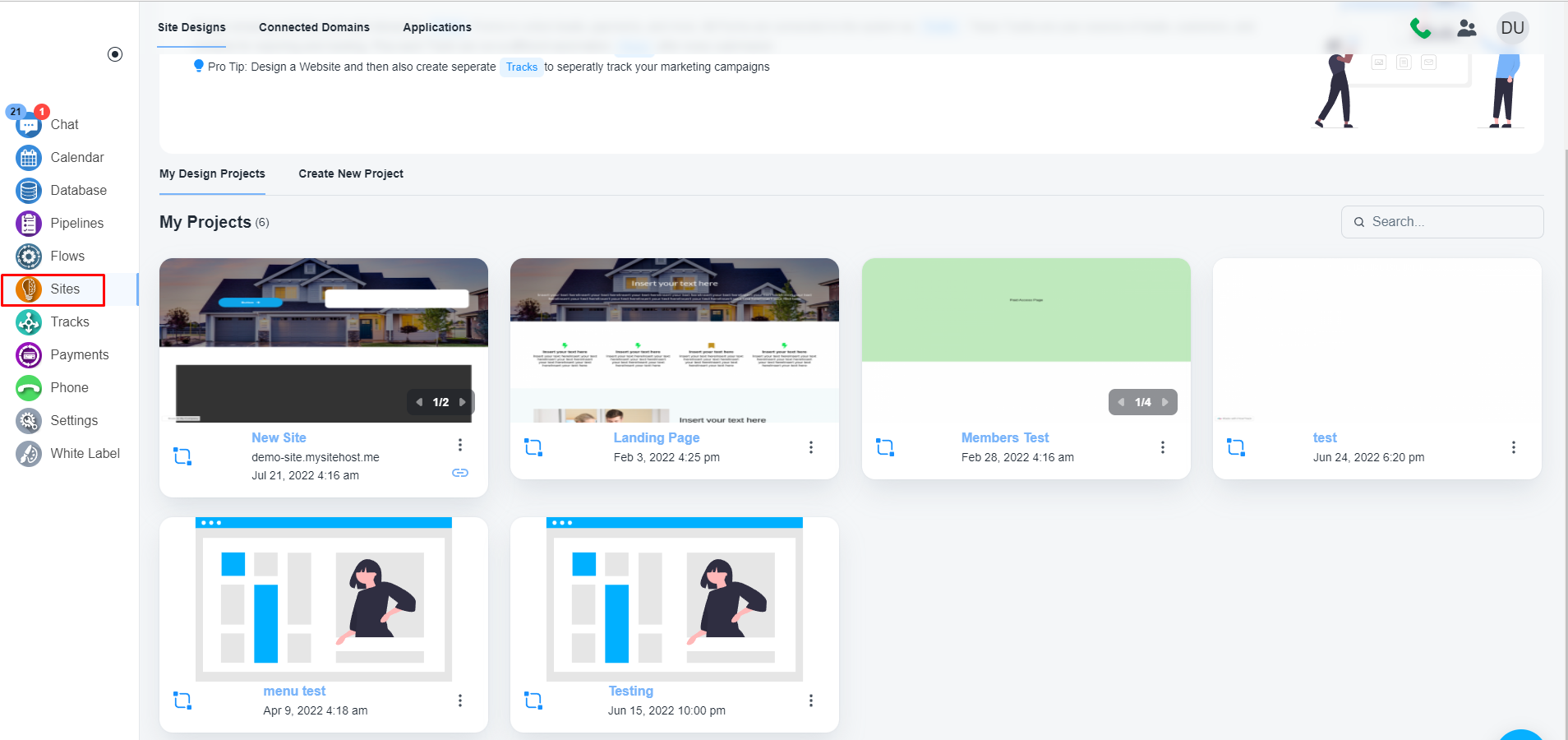
Navigate to the ‘Sites’ on the left menu bar and open you project.
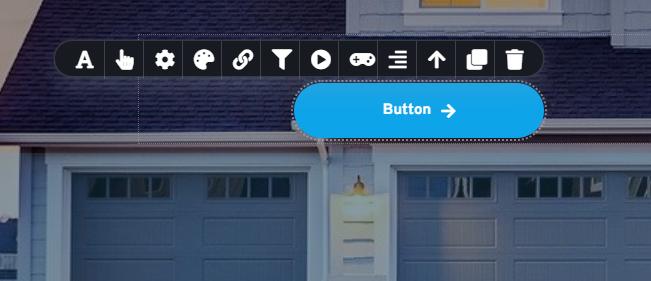
Add a button to link a popup to a button
Select an existing button or add a button to which you want to add the popup
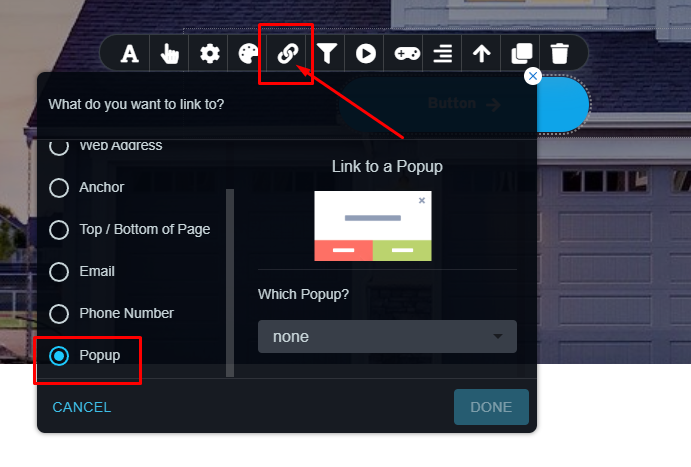
Click on the link icon and choose the ‘Popup’ option
Here you can choose an existing popup or you can create a new popup
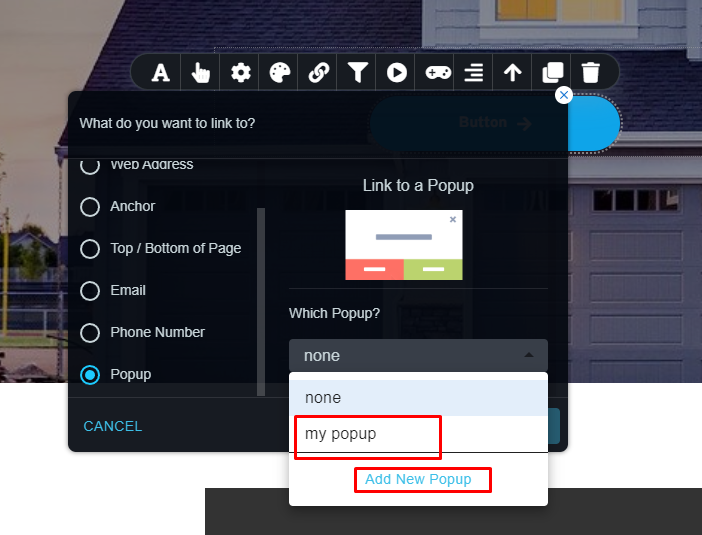
Click on the ‘Add new Popup’ button and the system will open a canvas to design the popup
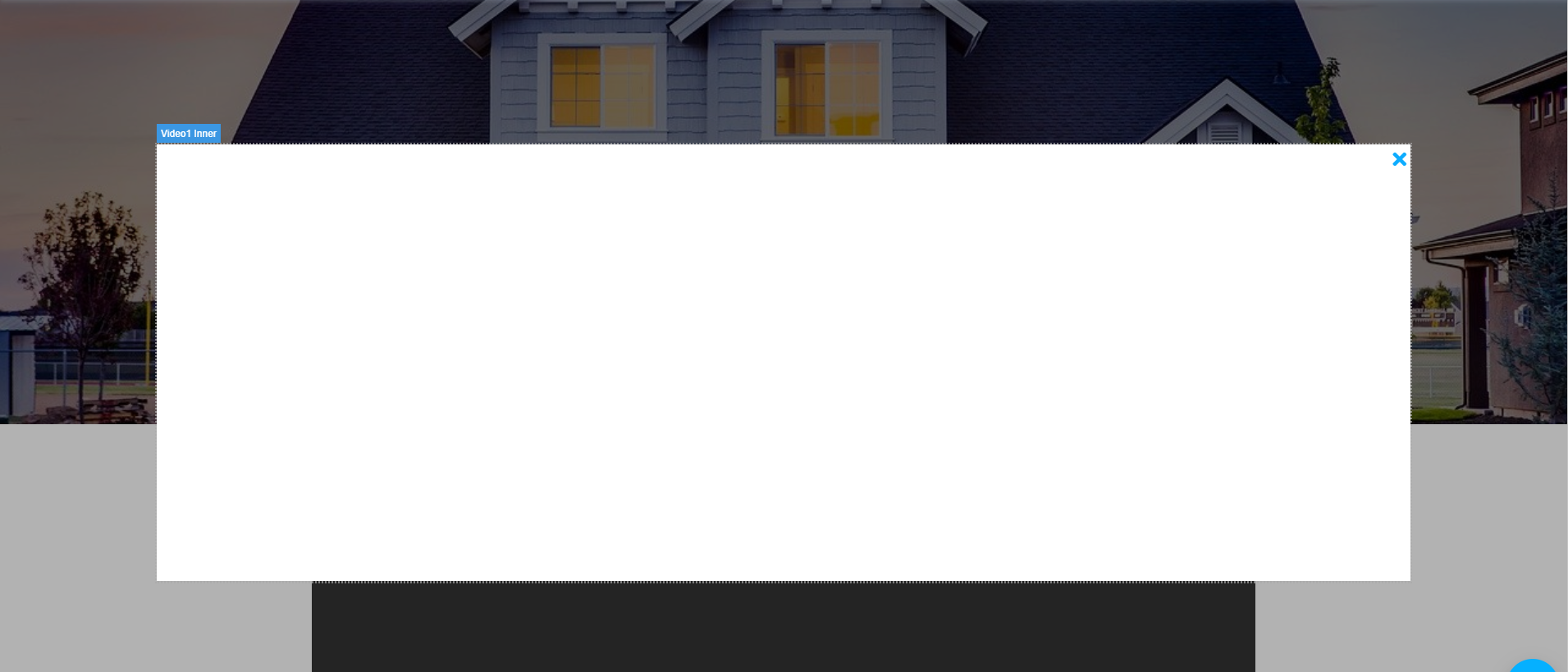
Later you only need to drag the concerned form to the canvas.
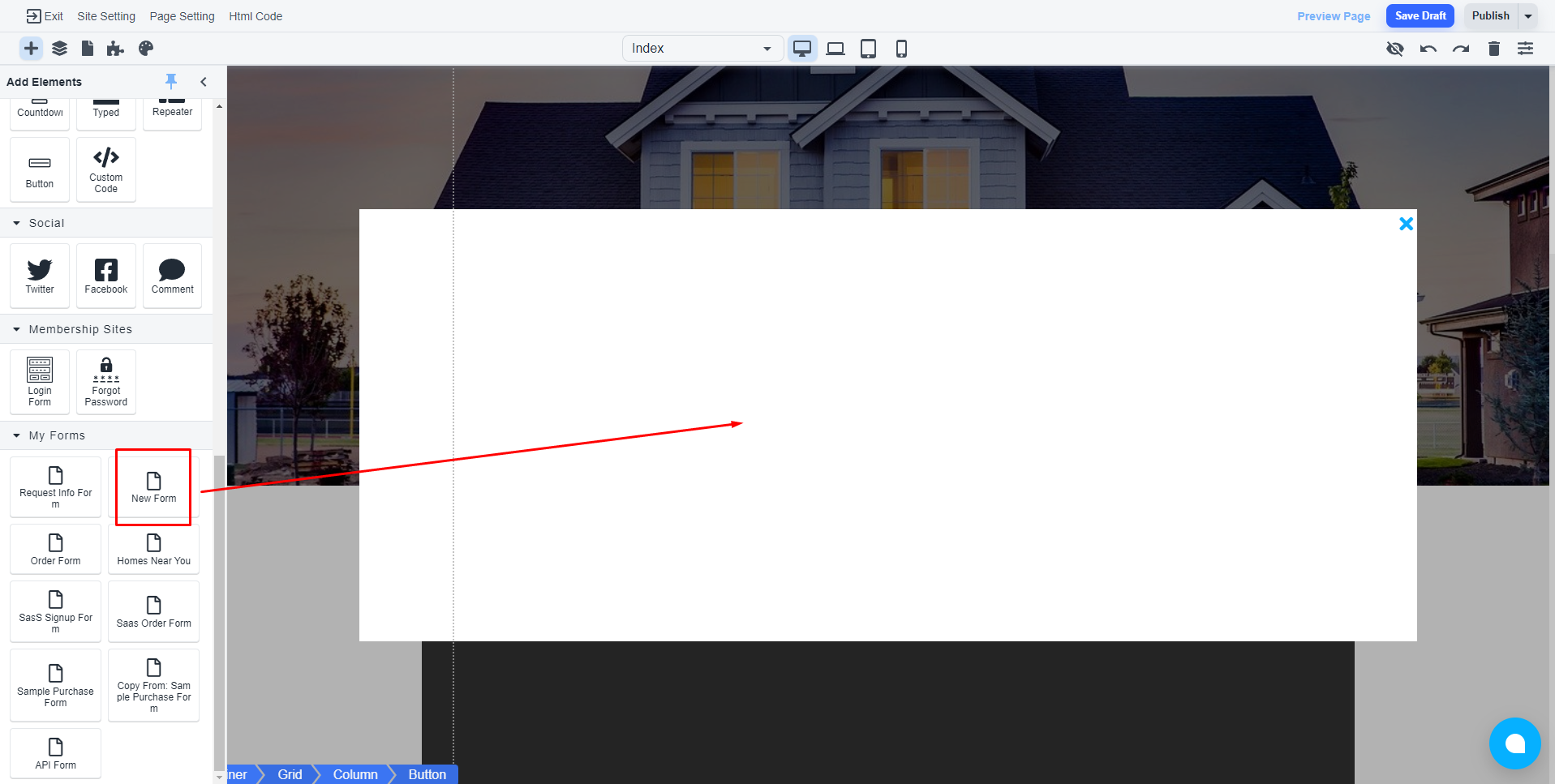
💡 You can add any element on the canvas